

Phones · headsets · tropical rooms
Know every layer of the phone in your pocket.
HTC Indonesia is an independent English guide to keeping HTC phones and VIVE headsets healthy in Indonesian heat, rain and humidity, from the SIM tray to the play area.
Start with Handset CareSpec strip
Five parts that feel the weather first
Swipe across. Each card is a part of the handset that humidity, heat or dust reaches before anything else.
-
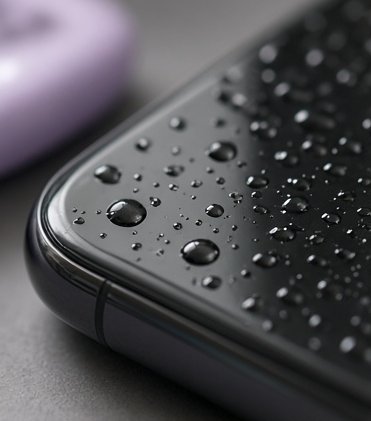 01
Screen & glass
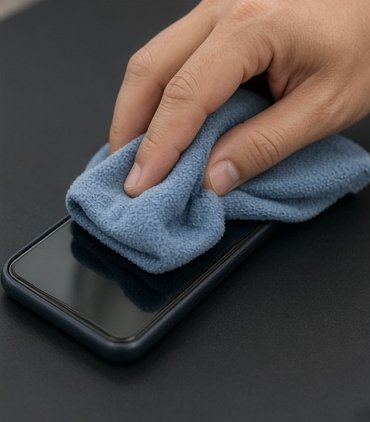
Condensation forms on cold glass when you walk from an air-conditioned mall into the street. Let it clear on its own; do not wipe a wet screen with a dusty sleeve.
-
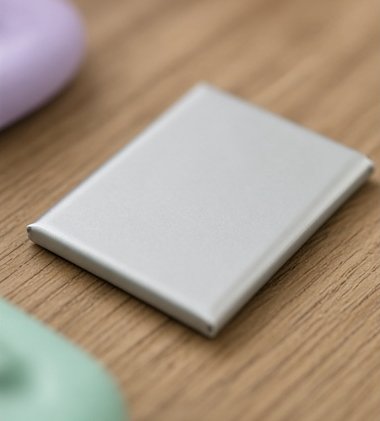 02
Battery
Heat ages lithium cells faster than use does. Keep the phone off dashboards and out of direct sun while it charges.
-
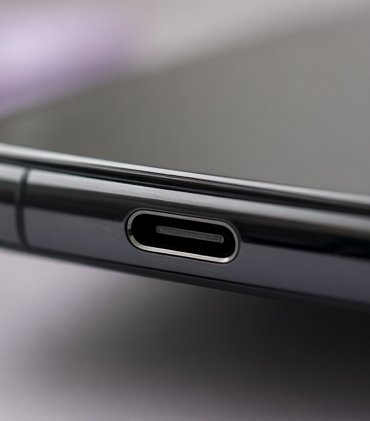 03
Charging port
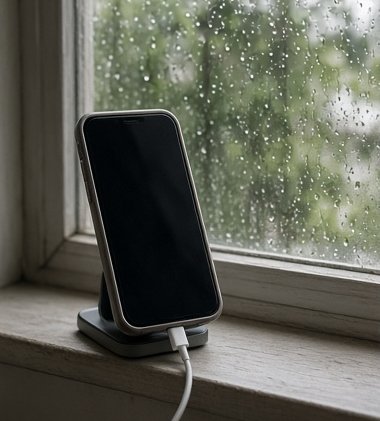
Lint and damp collect here. Look before you plug in, and never charge a port that may still be wet.
-
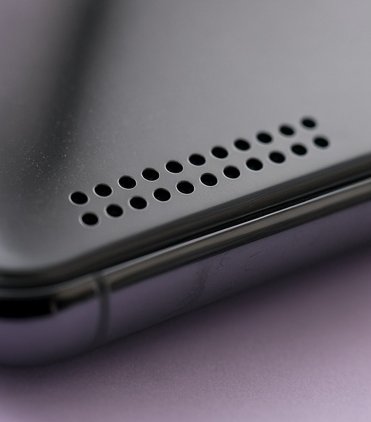 04
Speaker grille
Muffled sound after rain is often water sitting in the mesh. Hold the grille facing down and let it drain.
-
 05
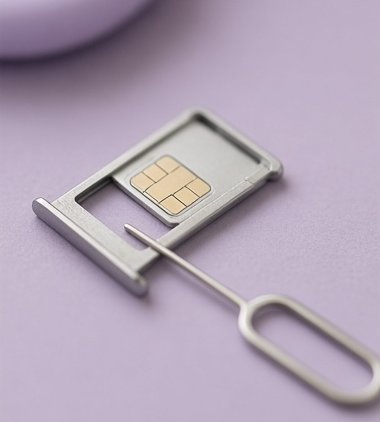
SIM tray
A small gasket keeps moisture out. Eject it only with the pin, dry, and push it fully home.
Archipelago band
One country, five kinds of air
Typical year-round conditions, rounded. Your street, your room and the season will differ.
Medan
North Sumatra
26–27 °C80–85% RH
Damp nearly all year. Dry boxes earn their keep here.
Jakarta
Java coast
27–29 °C75–85% RH
Hot, humid and cold indoors. The AC-to-street jump is the main risk.
Bandung
West Java highlands
22–24 °C75–80% RH
Cooler nights mean more condensation at dawn.
Surabaya
East Java coast
28–30 °C70–80% RH
The hottest of the five. Watch charging temperatures.
Denpasar
Bali
27–28 °C75–80% RH
Salt air near the coast. Rinse nothing; wipe and dry.
Diagonal split · play area
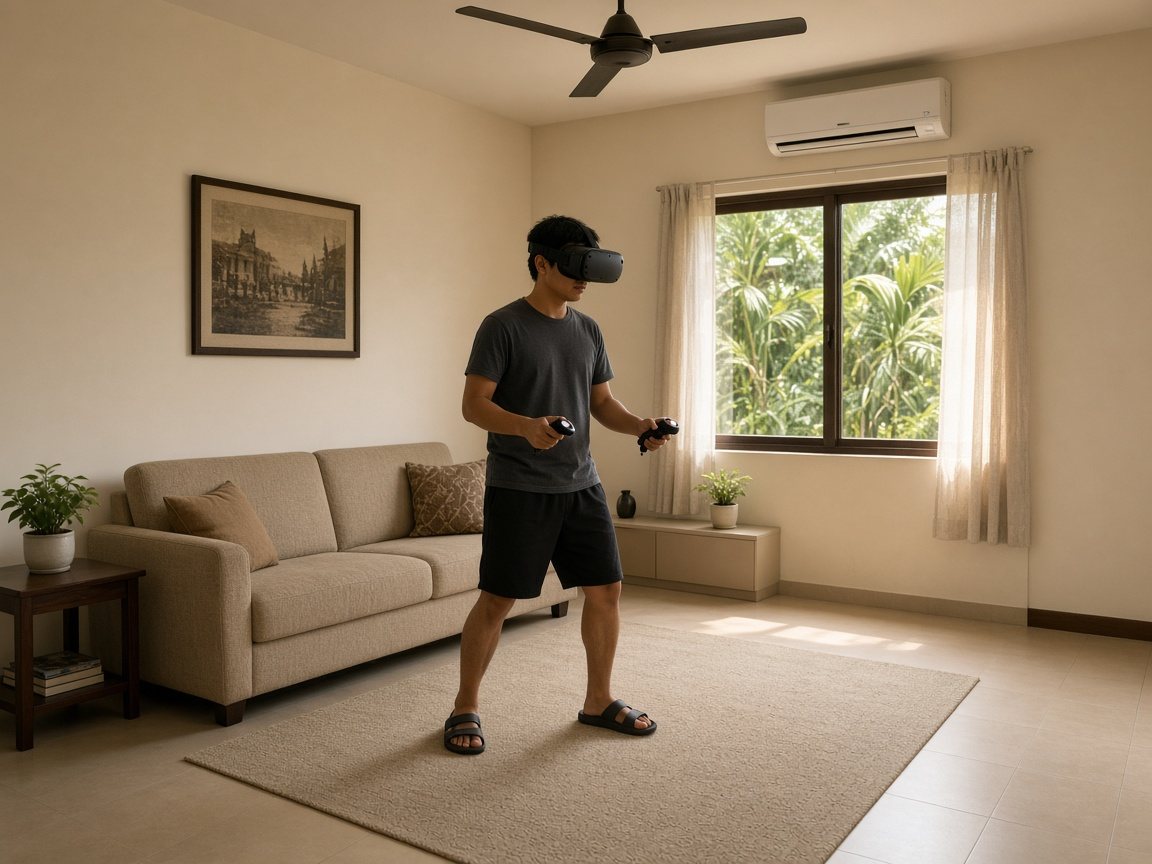
Room-scale VR in a room that was never meant for it
Ceiling fans, glass doors, a sofa you cannot move and a window full of afternoon sun. Most Indonesian living rooms can still host a safe play area if you plan the space before you put the headset on.
- Switch the ceiling fan off and measure from its blades, not the floor.
- Keep sunlight off the lenses, even for a minute.
- Mark the edge with a rug you can feel through your feet.
Humidity dial
Read the air before you blame the phone
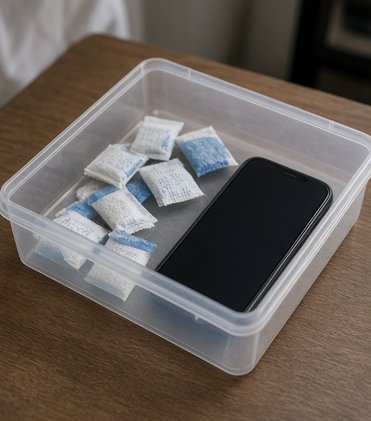
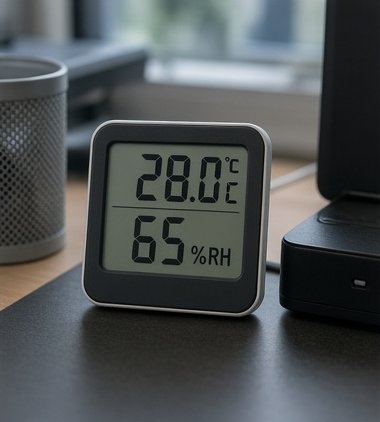
A cheap digital hygrometer tells you more than any rumour. If your drawer reads above 70 percent most days, a sealed box with fresh silica gel is the simplest upgrade you can make for a spare phone or a headset you only use at weekends.
- Below 30%
- Rare here. Static and brittle cables.
- 40–60%
- Comfortable for storage.
- 60–75%
- Watch ports, lenses and foam.
- Above 75%
- Dry-box territory.
The drawer
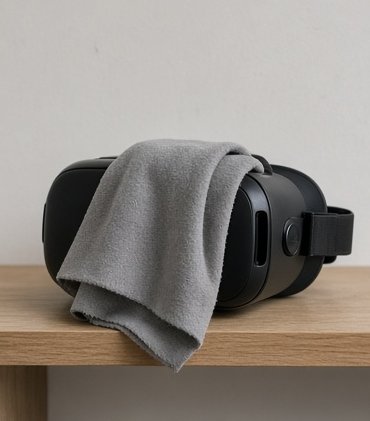
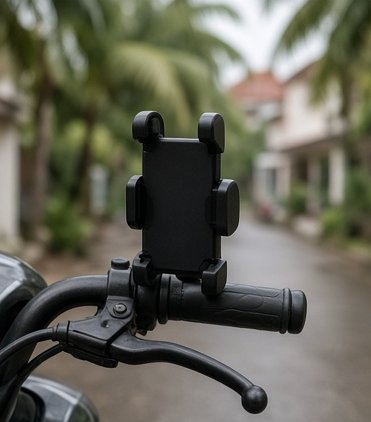
Small habits, photographed
Care myths
Things people still say
Will a bag of rice save a wet phone?
Rice is slow and leaves starch dust in the ports. Switch the phone off, wipe it, remove the case and SIM tray, and let moving air do the work. A sealed box with fresh silica gel is better than rice if you have one.
Should I dry it with a hair dryer?
Not on a hot setting. Heat can soften adhesives and stress the battery. Cool moving air from a fan is safer.
Is it fine to cool a hot phone in the fridge?
No. Taking a warm phone into cold, then back into humid air invites condensation inside. Move it to shade, stop charging and let it cool on its own.
Does charging overnight wreck the battery?
Modern phones stop charging when full. The bigger enemy is heat, so charge on a hard surface, not under a pillow, and remove a thick case if it gets warm.
Can a VR headset sit by the window?
Keep it away from direct sunlight. Headset lenses can focus sunlight onto the displays inside and damage them quickly. A drawer or a covered shelf is safer.
Why do my headset lenses fog up?
The lenses are cooler than your face and the room is humid. Let the headset sit in the room for a few minutes before you play, and keep a fan moving air across the play area.

Put it face down. Let the evening air do nothing to it.